
E-commerce Google Ads Strategies That Actually Work
Mastering E-commerce Google Ads for Scalable Growth
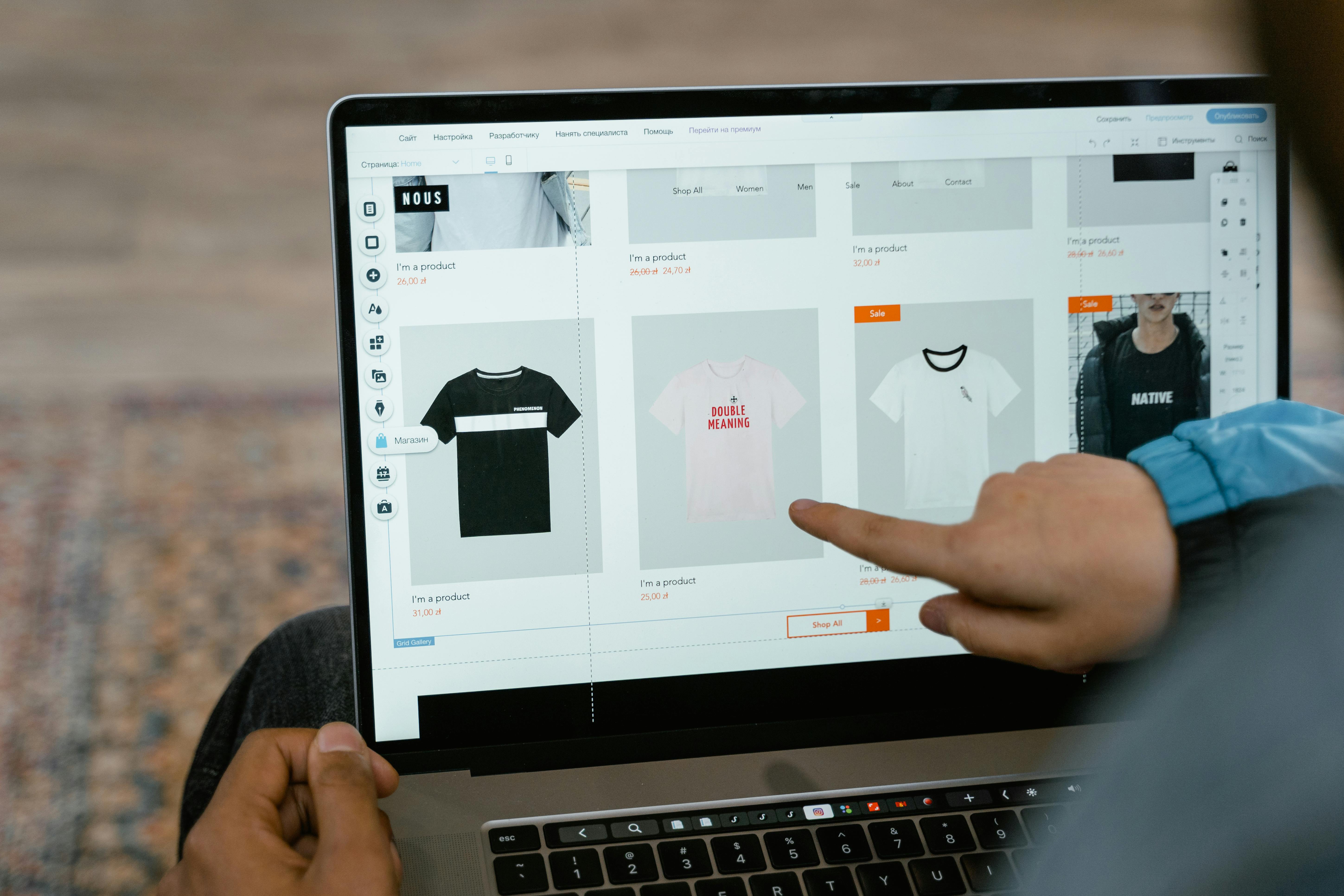
E-commerce Google Ads are paid advertising campaigns run through Google's platform that allow online retailers to promote products directly in search results, Google Shopping, YouTube, and across Google's broader network. Used strategically, they are one of the most direct and measurable ways to drive online sales.
Here is what you need to know about E-commerce Google Ads:
| Topic | Key Takeaway |
|---|---|
| What they are | Paid ads that show your products to shoppers actively searching on Google |
| Main campaign types | Shopping, Search, Performance Max, Display, Demand Gen |
| Why they matter | Up to 18% of all e-commerce revenue is directly attributed to Google Ads |
| Where to start | Google Merchant Center product feed + Standard Shopping or Performance Max campaign |
| Minimum budget | $1,000 per month is the recommended starting point for meaningful results |
| Biggest lever | Optimising your product feed titles, images, and identifiers |
| Common mistake | Launching Performance Max before building conversion data with Shopping or Search |
The numbers speak for themselves. Research shows that up to 18% of all e-commerce revenue comes directly from Google's advertising platform. And with Shopping ads consistently outperforming text ads in click-through rates for product searches, the opportunity for online retailers is significant.
But here is the reality most guides skip: Google Ads rewards structure, patience, and smart sequencing. Throwing budget at a campaign without the right foundations in place is one of the fastest ways to burn money with nothing to show for it. The stores that win are the ones that treat Google Ads as a system, not a shortcut.
This guide walks you through that system, from setting up your Merchant Center feed correctly, to choosing the right campaign types, to scaling with confidence using data you actually trust.
I'm Kerry Anderson, co-founder of RankingCo and a digital marketing strategist with over 15 years of experience scaling businesses through E-commerce Google Ads and broader paid search strategy. I've helped businesses grow from their first Shopping campaign to multi-million dollar revenue through disciplined Google Ads management, and this guide distils what actually works.
E-commerce Google Ads basics:
E-commerce Google Ads function primarily through Google Product Listing Ads (PLAs), which are visual advertisements that display your product image, price, and store name directly to shoppers. Unlike traditional text ads that rely on keywords you select, PLAs use the product data you provide to match your ads with relevant searches.

The primary benefit of using Shopping campaigns is the high level of purchase intent they capture. When a user sees a picture and a price before they even click, the traffic arriving at your store is much more qualified. Studies show that Shopping ads often achieve significantly higher click-through rates (CTR) compared to text ads for the same search terms. Furthermore, Google allows multiple Shopping ads from the same merchant to appear for a single search, effectively doubling your digital real estate.
Before you spend your first dollar, your store must meet several prerequisites. You need a functional e-commerce website with a secure checkout, clear return policies, and accurate contact information. Most importantly, you must have a Google Merchant Center account linked to your Google Ads account. This acts as the bridge between your website's inventory and Google's advertising engine. For more tailored support, you can explore our Ecommerce Ads Management services.
The Foundation: Google Merchant Center and Product Feeds
A product feed is a digital file containing a list of the products you want to advertise, organised by specific attributes like title, description, and price. To set this up, you must register for a Merchant Center account and verify your website. You can then upload your data manually via spreadsheets or, more commonly, through an automated sync with platforms like Shopify or WooCommerce.
Feed optimisation is the single most important factor in the success of E-commerce Google Ads . Google uses your product titles and descriptions to decide which searches should trigger your ads. We recommend placing the most important keywords at the beginning of your product titles. For example, instead of "Blue Shirt," use "Men's Navy Blue Slim Fit Cotton Shirt - Breathable Summer Style."
Key attributes to focus on include:
- GTINs (Global Trade Item Numbers): These are essential for Google to identify exactly what you are selling and compare it to other sellers.
- Images: Use high-quality, professional photos on a plain white background. Avoid watermarks or promotional text.
- Custom Labels: These allow you to categorise products by internal metrics, such as "High Margin," "Best Seller," or "Seasonal," which helps in granular bidding.
For a detailed walkthrough, refer to Google's guide on creating a product feed or learn what is Google Merchant Centre from our internal resources.
Performance Max vs Standard Shopping for E-commerce Google Ads
Choosing between Performance Max (PMax) and Standard Shopping is a common crossroad for Australian retailers. Performance Max is an AI-driven campaign type that places ads across Search, YouTube, Display, and Maps from a single campaign. Standard Shopping, however, provides manual control over where your ads appear and how much you bid for specific products.
| Feature | Standard Shopping | Performance Max |
|---|---|---|
| Control | High manual control over bids and products | Automated, AI-driven optimisation |
| Reach | Search Network and Shopping Tab | All Google channels (YouTube, Gmail, Maps) |
| Setup | Requires manual ad group structure | Requires high-quality creative assets (video/images) |
| Best For | Beginners and accounts with low data | Scaling accounts with 30+ monthly conversions |
We generally suggest that beginners start with Standard Shopping. It allows you to see exactly which search terms are driving traffic and add negative keywords to filter out wasted spend. Once you have established a baseline of at least 30 to 50 conversions per month, you can test Performance Max to scale your reach. To understand the nuances of this setup, check out our Google Ads Shopping campaigns setup 101 guide.
Full-Funnel Strategy: Search, Demand Gen, and Remarketing
A successful E-commerce Google Ads strategy doesn't just focus on the bottom of the funnel. While Shopping ads capture people ready to buy, other campaign types help build awareness and bring back those who didn't purchase on their first visit.
Demand Gen campaigns are excellent for top-of-funnel awareness. These are visually heavy ads that appear on YouTube and the Google Discovery feed, designed to stop the scroll and introduce your brand to new audiences. We often use these to target specific interest groups or "Lookalike" audiences based on your existing customers.
Dynamic remarketing is the "secret sauce" for many profitable stores. It allows you to show ads to previous visitors that feature the exact products they viewed or added to their cart. This keeps your brand top-of-mind and provides a gentle nudge to complete the purchase. For more insights on how to balance these channels, read about maximising Google Ads Traffic for Australian E-commerce.
Bidding Strategies and Budgeting for E-commerce Google Ads
Your bidding strategy determines how much you pay for each interaction and how Google prioritises your budget. For new campaigns, we often start with Manual CPC (Cost Per Click) to maintain tight control. As the account gathers data, we transition to automated strategies like Target ROAS (Return on Ad Spend), where you tell Google the specific multiplier you want to achieve (e.g., a 500% return).
When it comes to budgeting, we recommend an ideal starting point of $1,000 per month. While you can technically start with as little as $10 per day, it often takes too long to gather enough data to make meaningful optimisations. You need enough "fuel" in the tank for Google's AI to learn which users are most likely to convert.
To manage your costs effectively, you should:
- Set Bids Based on Margins: Use custom labels to bid higher on high-margin items.
- Monitor Unit Economics: Ensure your Cost Per Acquisition (CPA) leaves room for profit after product and shipping costs.
- Use Campaign Priority: If the same product is in multiple campaigns, use priority settings (Low, Medium, High) to tell Google which budget to use first.
Learn more about how to set bids properly or evaluate if Google Ads are worth it for your specific business model.
Advanced Optimisation and Technical Excellence
Once your campaigns are running, the focus shifts to technical excellence and data accuracy. In the modern privacy-first landscape, simply having a "tracking pixel" isn't enough. You need a robust data strategy to ensure Google's AI has the best possible information to work with.
Data-driven attribution is the gold standard for measuring performance. It looks at the entire customer journey across multiple clicks and gives credit to the touchpoints that actually contributed to the sale. This prevents you from accidentally pausing a "top-of-funnel" campaign that was actually introducing customers to your brand before they eventually bought via a Shopping ad.
Tracking, Analytics, and First-Party Data Integration
Implementing Google Analytics 4 (GA4) with enhanced e-commerce tracking is non-negotiable. This allows you to see not just that a sale happened, but which products were viewed, which were added to the cart, and where users dropped off in the checkout process. This data is vital for conversion rate optimisation strategies that improve your overall site performance.
We also strongly recommend implementing Enhanced Conversions. This feature sends hashed, first-party data (like email addresses) back to Google in a privacy-compliant way. It helps recover "lost" conversions that might have been blocked by browser privacy settings, giving you a more accurate picture of your ROI. Additionally, using Consent Mode ensures your tracking behaves correctly based on user privacy choices, which is particularly important if you sell to customers in regulated regions.
Common Pitfalls and Professional Management
Even with the best intentions, many e-commerce advertisers fall into predictable traps. One of the most common is neglecting negative keywords. In Shopping campaigns, you can't choose your keywords, but you can choose what you don't want to show up for. If you sell luxury watches, you should add "cheap," "free," and "repair" as negative keywords to avoid wasting budget on irrelevant clicks.
Another pitfall is ignoring the mobile experience. Since over 60% of Google Ads traffic now comes from mobile devices, a slow or clunky mobile checkout will kill your conversion rate regardless of how good your ads are. Ensure your ad assets, such as promotions and seller ratings, are fully utilised to make your ads stand out on smaller screens.
At RankingCo, we believe in a human-led approach to E-commerce Google Ads. While AI and automation are powerful, they require expert oversight to ensure they align with your business goals. As a Brisbane-based Google Premier Partner, our team—led by founders Amber Porter and Kerry Anderson—specialises in structuring accounts for long-term profitability rather than "quick wins."

Whether you are looking for a Brisbane Google Ads agency or need help scaling your store across Sydney and Melbourne, we focus on the three A's: Audience, Ad copy, and Attribution. By integrating advanced AI with deep strategic expertise, we help small to medium businesses navigate the complexities of the digital landscape and set new benchmarks for growth.
Ready to stop guessing and start growing? Explore our Google Ads Management services and let's build a system that works for you.



Share online





